

Build a stakeholder map
You’ve done the account research and you’re about to start outreach. The question that decides whether the next two weeks are productive or wasted is who you’re actually talking to. This play turns the named-people list on the account into a real stakeholder map: each contact has a role, a persona read, and an influence rating, and the economic buyer is flagged in a note so you and anyone else on the deal can see it.What to expect
- Timing. Roughly 20 to 30 minutes for a five-to-seven-person committee.
- Prerequisite. The account has at least one linked opportunity in Salesforce so the Key People grouping has someone to render, and the contacts have synced into Katalyst.
- Outcome. A complete read on the buying committee: each key name has a persona summary, the economic buyer is flagged, and the top two or three are starred so they surface in your favorites.
Step-by-step
- Open the account and scroll to Key People. Account detail opens to Overview by default. The Key People section sits below the CRM fields, grouped by opportunity, with columns for full name, email, role, and department. This is your starting roster.
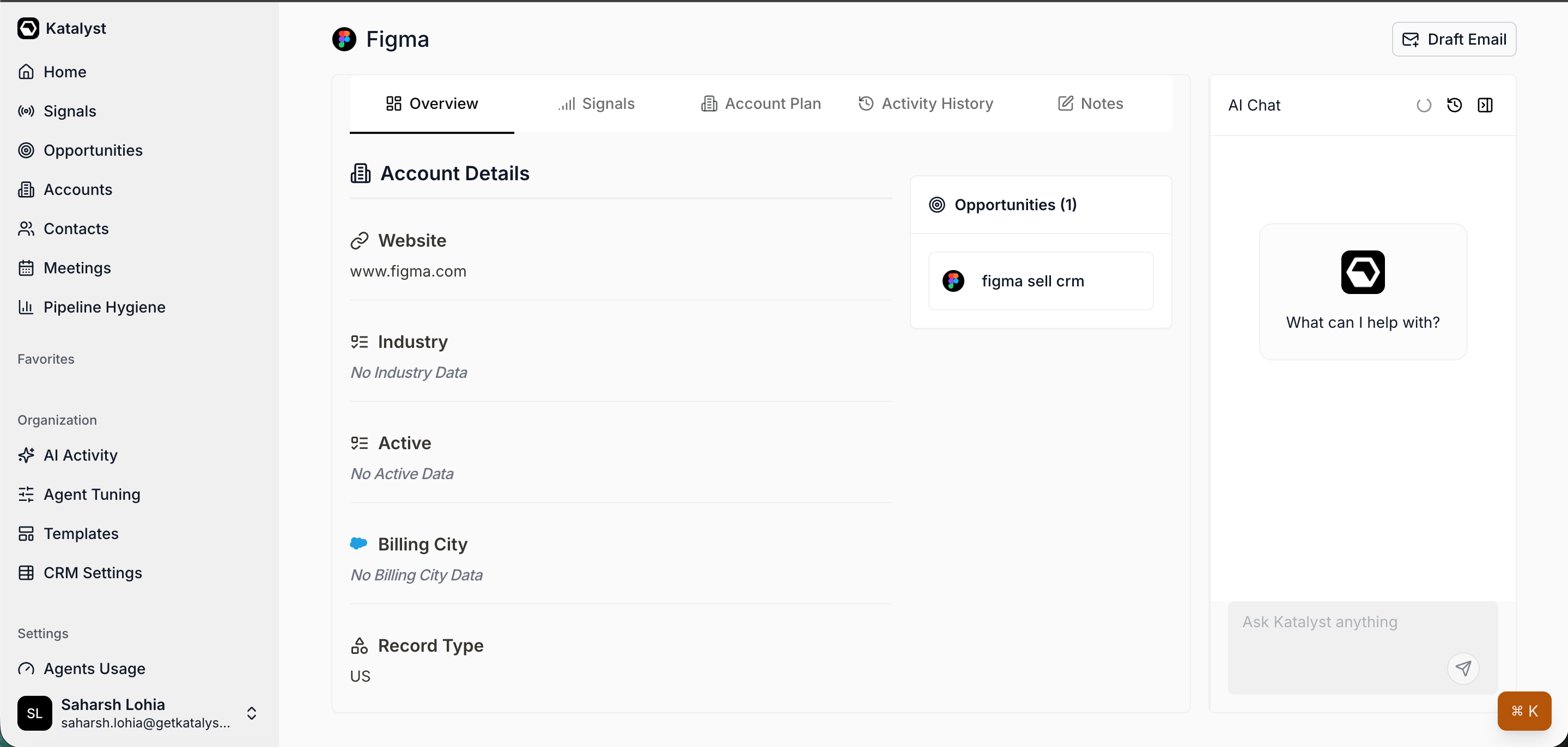
Account detail Overview with Key People grouped by opportunity.
- Run AI Enrich Row on the rows with gaps. Any contact whose role or department is empty is a contact you don’t actually know yet. From the Contacts table, find the row and click the AI symbol next to the name to fill missing fields against public sources. The pass previews the values before write-back, so you can sanity-check before committing.
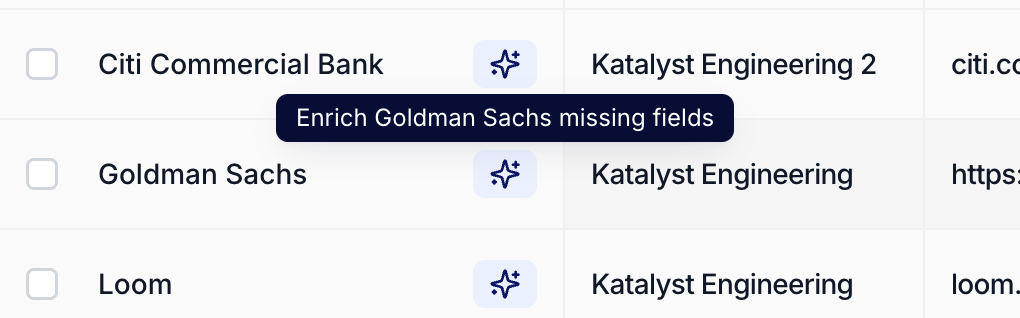
AI Enrich Row on a table row, filling missing fields with a preview before write-back.
- Drill into each key contact’s detail page. Click a name to open Contact Detail. The AI Summary at the top gives you the 30-second read: title, recent moves, what they show up to public conversations about. The linked Opportunities panel tells you which deals they sit on; the Activity panel shows you every email and meeting they’ve already touched on your side.
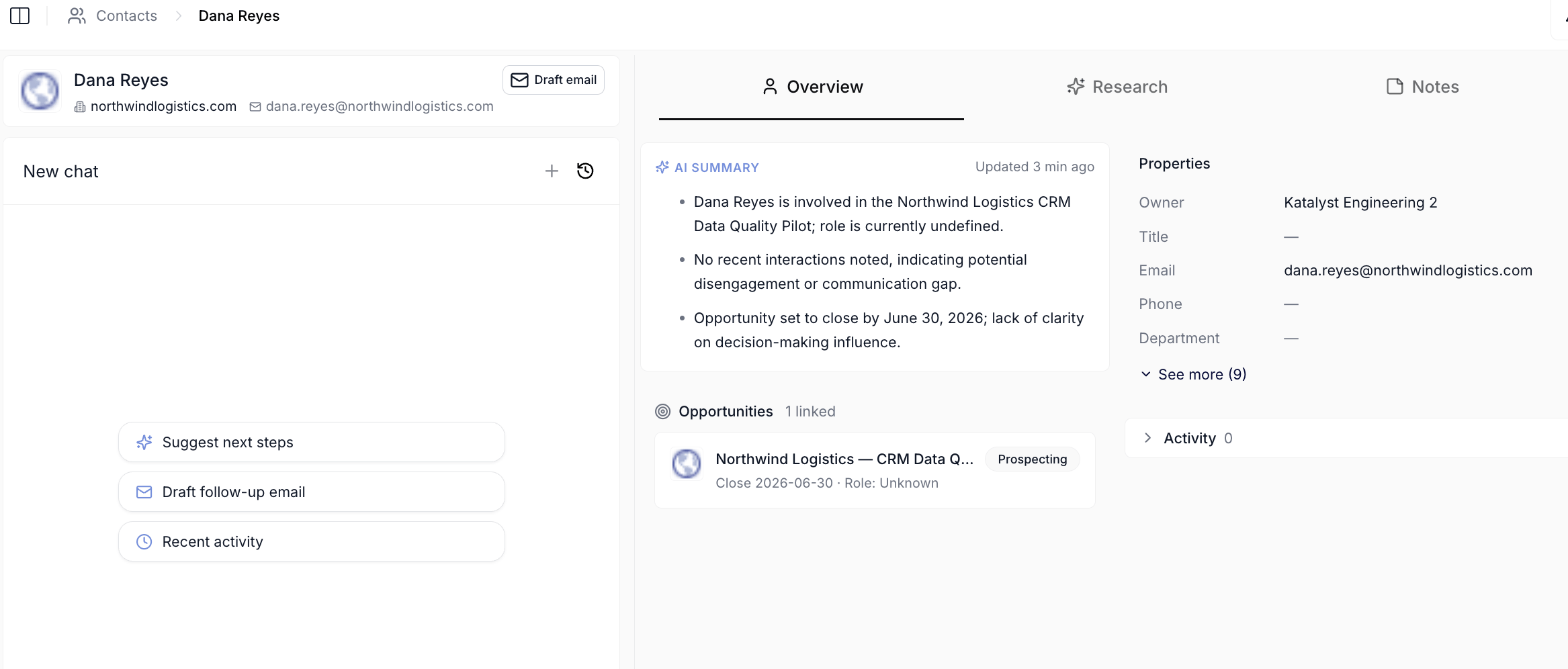
Contact Detail with AI Summary, linked opportunities, and activity history.
- Generate deep research on the economic buyer and the champion. On Contact Detail, switch to the Research sub-tab and run Enrich contact info, then Generate research. You get a bio, three conversation hooks, a topics-for-discussion list, employment history, and interests. Two minutes per person; do this for the two or three names you most need to land.
- Drop a note on the account flagging the economic buyer. Back on the account, open the Notes sub-tab and start a new note titled “Stakeholder map.” Write the names, your read on each one, and who you think holds the budget. Auto-save catches every keystroke, and the note is team-shared so whoever picks the deal up next sees the same map.
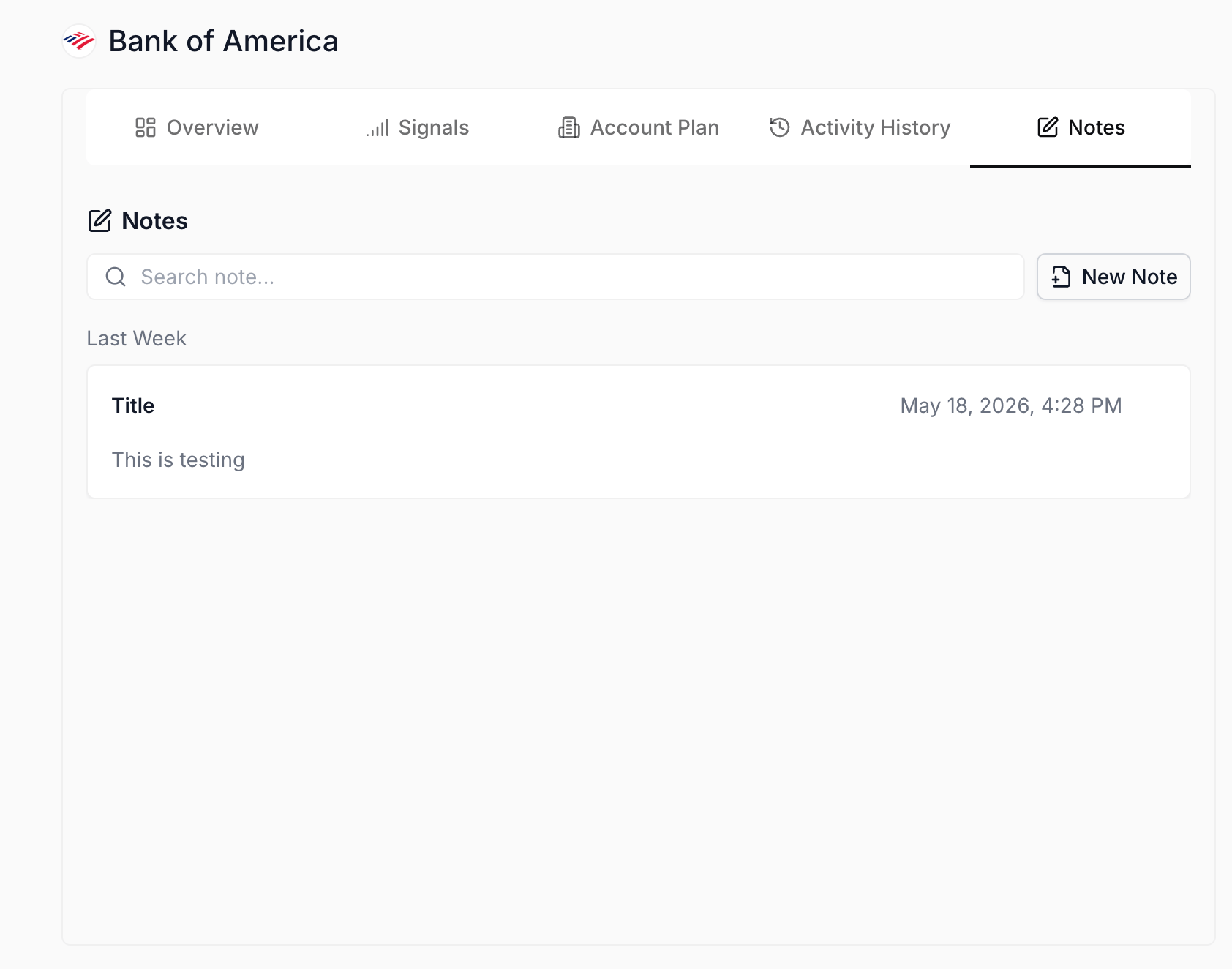
Notes sub-tab on an account, auto-saving per keystroke.
- Star the top two or three names. From each key Contact Detail page, hit the star. Starred contacts surface in your side-nav Favorites and in Cmd+K results, so the people who matter are one keystroke away when you’re drafting outreach or prepping a call.
Variations
For a wide, multi-opportunity account, run the play once per opportunity grouping rather than once for the whole account; each deal usually has its own economic buyer, and rolling them together hides that. If you’re refreshing an existing map rather than building one from scratch, skip the AI Enrich Row step and go straight to Contact Detail on the names whose role hasn’t been touched in a quarter; the AI Summary’s freshness stamp tells you which ones are stale.Related
- Research a new account - the prerequisite play, the one that gets you to a place where this map matters.
- Prep for discovery call - the play that consumes this map an hour before a call.
- Contacts - the table you reach for to enrich gaps in the committee.
- Account detail - the workspace this play centers on.