

Research from a fresh signal
A signal just fired: a funding round, a leadership change, a product launch, a 10-K filing. You see it on Home in the Do This Now rail or in the global Signals feed, and the question is the same: is this the conversation-starter that moves a deal forward, or is it noise dressed up in a relevance score? This play turns a fresh signal into a 10-minute decision: bump the deal with fresh outreach, refine the Account Plan to reflect the new reality, or hold and watch with a Note that names what would change your mind.What to expect
- Timing. Roughly 10 to 15 minutes per signal.
- Prerequisite. You have at least one signal type enabled in settings so the feed is actually populating, and the signal is on an account where you own an open opportunity.
- Outcome. A clear bump-or-hold call with one concrete next step: either a re-engagement note (held to Drafts) or a watch note that names the trigger.
Step-by-step
- Spot the signal. Two surfaces, same signal. From Home, the Do This Now rail surfaces the highest-priority items across signals and hygiene; a fresh high-score signal usually shows up here first. Alternatively, the global Signals feed shows you every signal across your book, scored and sorted.
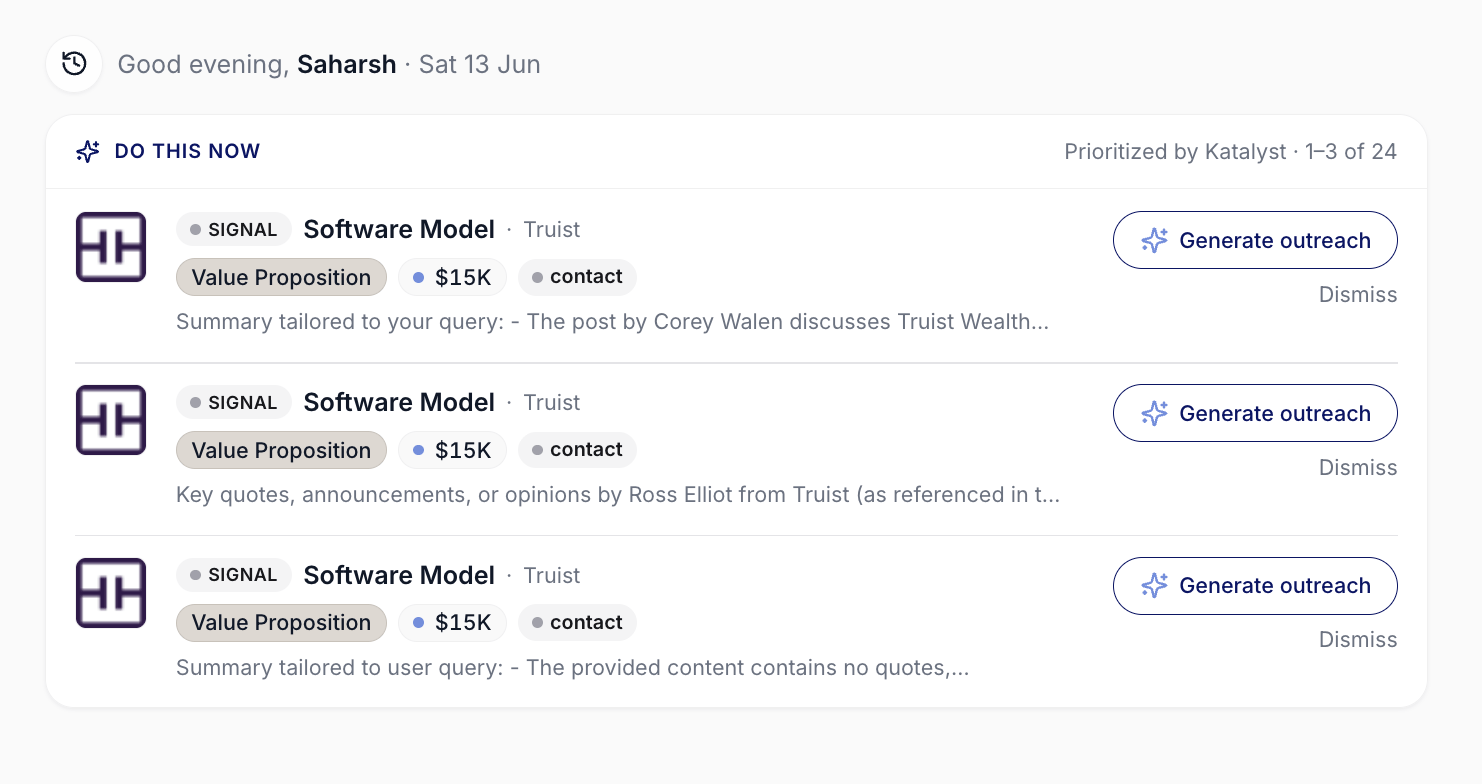
Do This Now card on Home, surfacing the highest-priority items across the book.
- Click into the Signal Card. Wherever you spotted it (Home, Signals feed, Notification Bell), expand the card. The card carries the AI relevance line (one sentence on why this matters), the AI summary passage (the deeper read of the underlying event), the source link out to the original article or filing, and the date generated. Read all three before you do anything else.

Signal card close-up: score, type, AI relevance, summary, source link, accept.
- Drill from the signal into Account Detail. Click through to the account the signal fired on. Account detail opens to Overview; if there’s a linked-opportunity context on the signal, jump to the opportunity instead. You’re orienting on the deal state the signal needs to be read against.
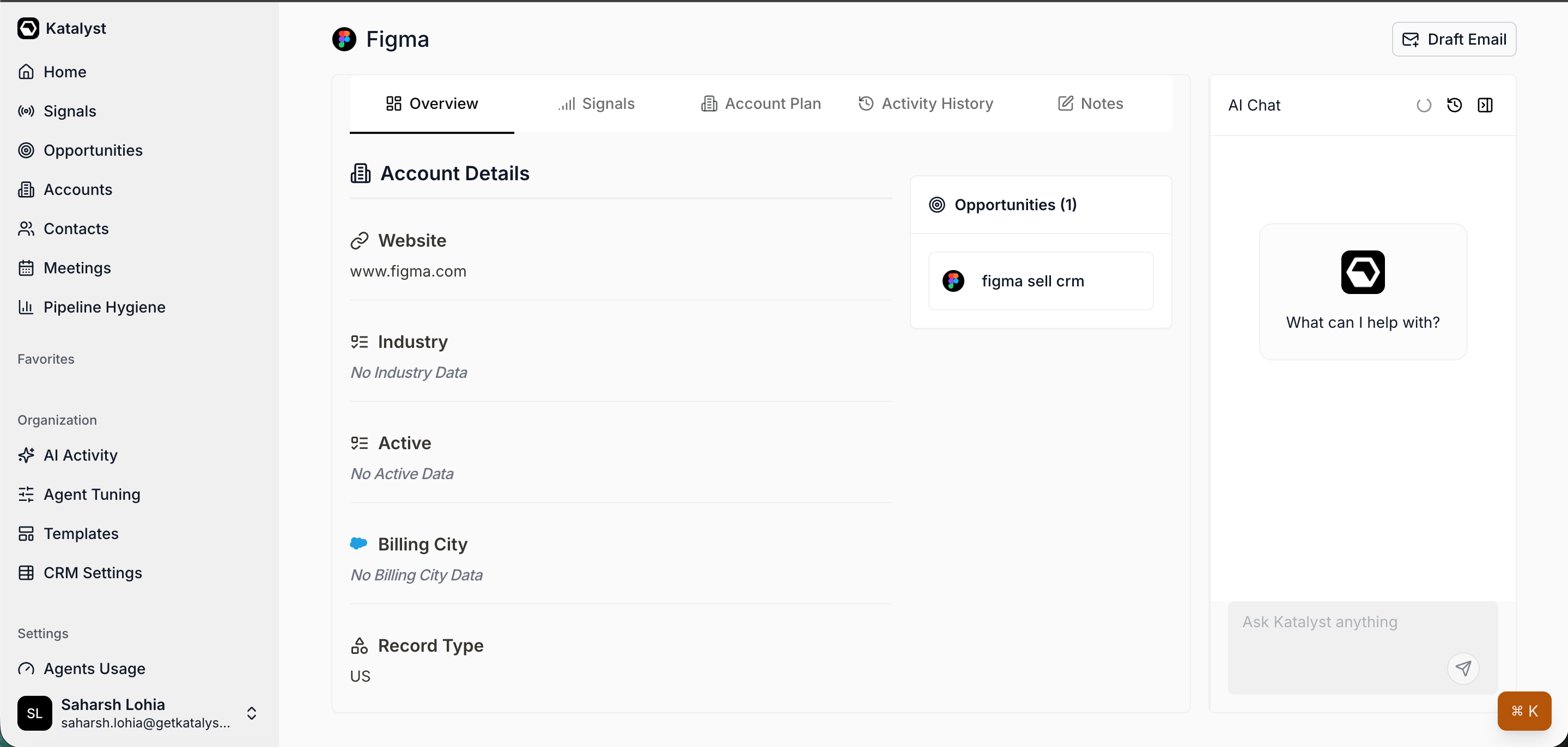
Account detail Overview gives you the deal state to read the signal against.
- Ask Per-record AI Chat what the signal implies. The chat is scoped to the account and has the Account Plan, Activity History, Signals, and any linked opportunity in context. Type: “A [funding / leadership / 10-K / hiring] signal just fired on this account. What does it imply for our open opportunity, and what’s the sharpest move from here?” The chat answers with a named hypothesis and usually a concrete action you can either take or push back on.
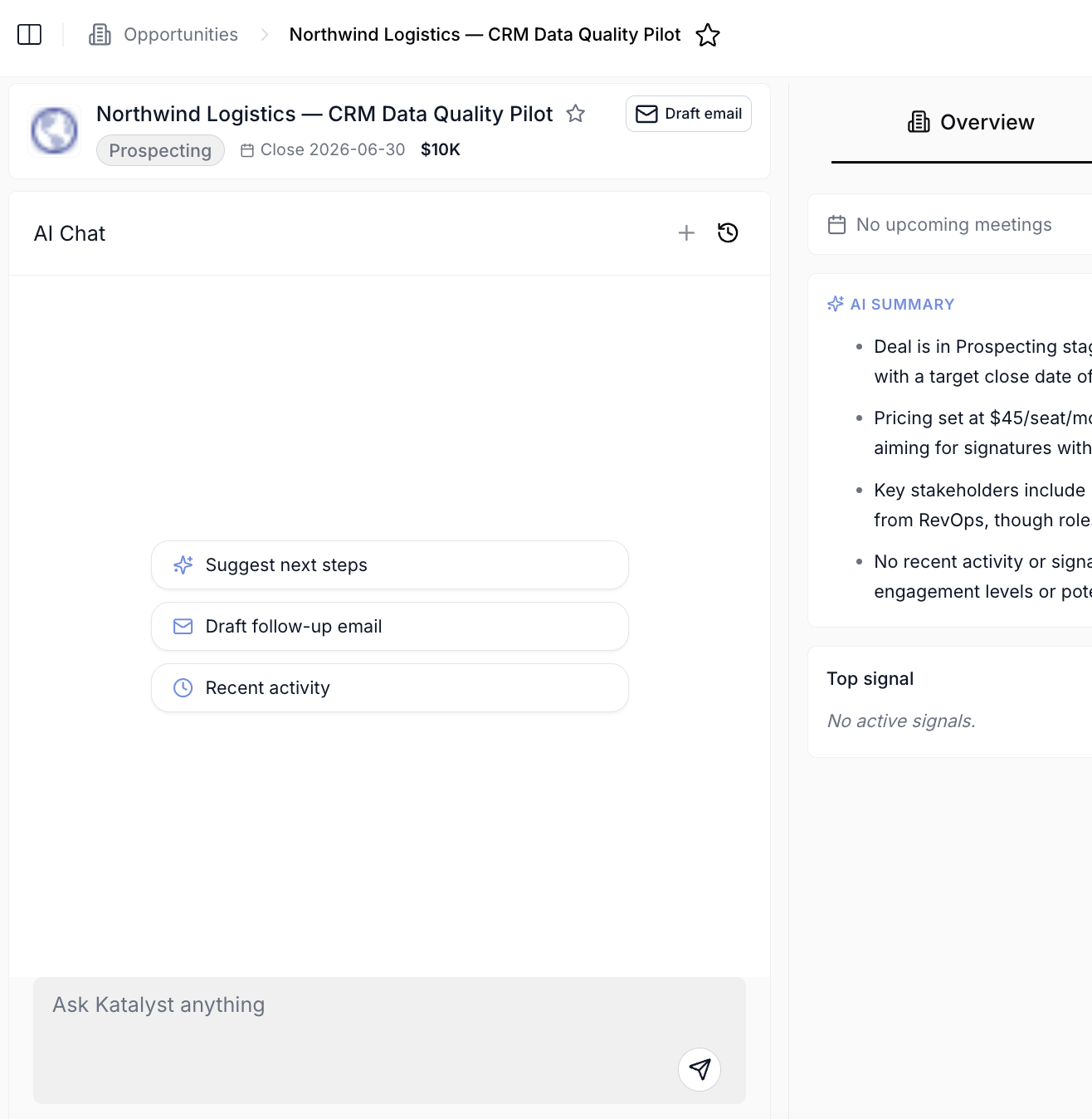
Per-record AI Chat panel scoped to a single account, opportunity, contact, or meeting.
- Cross-check against the Account Plan. Open the Account Plan sub-tab. Compare the strategic challenges to the signal you just read. If the signal sharpens or undermines a challenge, refresh the plan; the credit-cost prompt warns you what regeneration will charge before you commit. If the plan still holds, you save the credits and move on.
- Decide: bump, refine, or hold. Three paths. If you bump the deal, click Draft email from the strategic-challenge card the signal best maps to. The Draft Email modal opens prefilled with the challenge context; tune the prompt to reference the signal explicitly, then save the draft to Gmail or Outlook drafts for your review. If you refine the plan, do the Refresh plan you decided on in step 5 and stop. The next time anyone (you, a teammate, a manager) opens the account, the plan reflects the new reality. If you hold, drop a one-line Note on the account: “Holding on [signal type] until [trigger].” Name the thing that would change your mind, so future-you doesn’t have to re-derive the call from scratch.
Variations
If the signal fires on an account you’ve never touched, run the Research a new account play first; you need the orientation pass before the signal means anything. If multiple signals on the same account fire in the same week, treat them together rather than one at a time: open the Signals sub-tab on the account, read them as a cluster, and ask the chat for the combined implication. The Account Plan refresh in step 5 carries more weight when there are three signals than when there’s one.Related
- Catch up on a stalled account - the play to run if the signal fires on a stalled deal and you need a wider read.
- Research a new account - the play to run first if the signal fires on an account you’ve never worked.
- Send a personalized follow-up email - the action play to run after you’ve decided to bump the deal.
- Catch a signal as it fires - the live-Toast version when the signal pops while you’re working.
- Start the day with Signals - the morning ritual to sweep the global feed instead of drilling into one signal.
- Signals - the canonical home for the signal that triggered this play.
- Draft Email - the composer this play hands off to when you draft the outreach.
- Home - where Do This Now surfaces fresh signals as the day starts.
- Account detail - the workspace this play drills into.