

Run a deal-loss retro
A deal just closed-lost. The rep wants the next similar deal to not repeat: which signals were missed, which call should have surfaced a budget concern earlier, what the pattern looks like that the AI didn’t catch. This play turns the Account Detail surface into a retro workspace: walk Activity History from first touch to close, cross-reference the Signals sub-tab for anything that fired but went unworked, ask the per-record AI Chat what could have been done differently, and save 2-3 lessons as a Note tagged with the deal pattern. About 15 minutes; the next mid-market healthcare deal benefits from this one’s autopsy.What to expect
- Timing. Roughly 15 minutes.
- Prerequisite. A deal that just closed-lost (within the last day or two; recent enough that the rep still remembers the conversations). The account is in Katalyst with Activity History, Signals, Notes, and per-record AI Chat all populated through the deal’s lifecycle.
- Outcome. A saved retro Note with 2-3 lessons tagged with the deal pattern (segment, industry, deal size), so the next similar deal triggers the rep’s memory; optionally, a custom Signal type stood up to catch the pattern earlier next time.
Step-by-step
- Open the account from Favorites or the table. Land on Account Detail for the closed-lost deal. The Overview sub-tab fills the center, the per-account AI Chat sits on the right rail, and the five sub-tabs (Overview, Signals, Account Plan, Activity History, Notes) line the top. Read the Overview header for the deal context: industry, size, stage history, the linked opportunity that just lost.
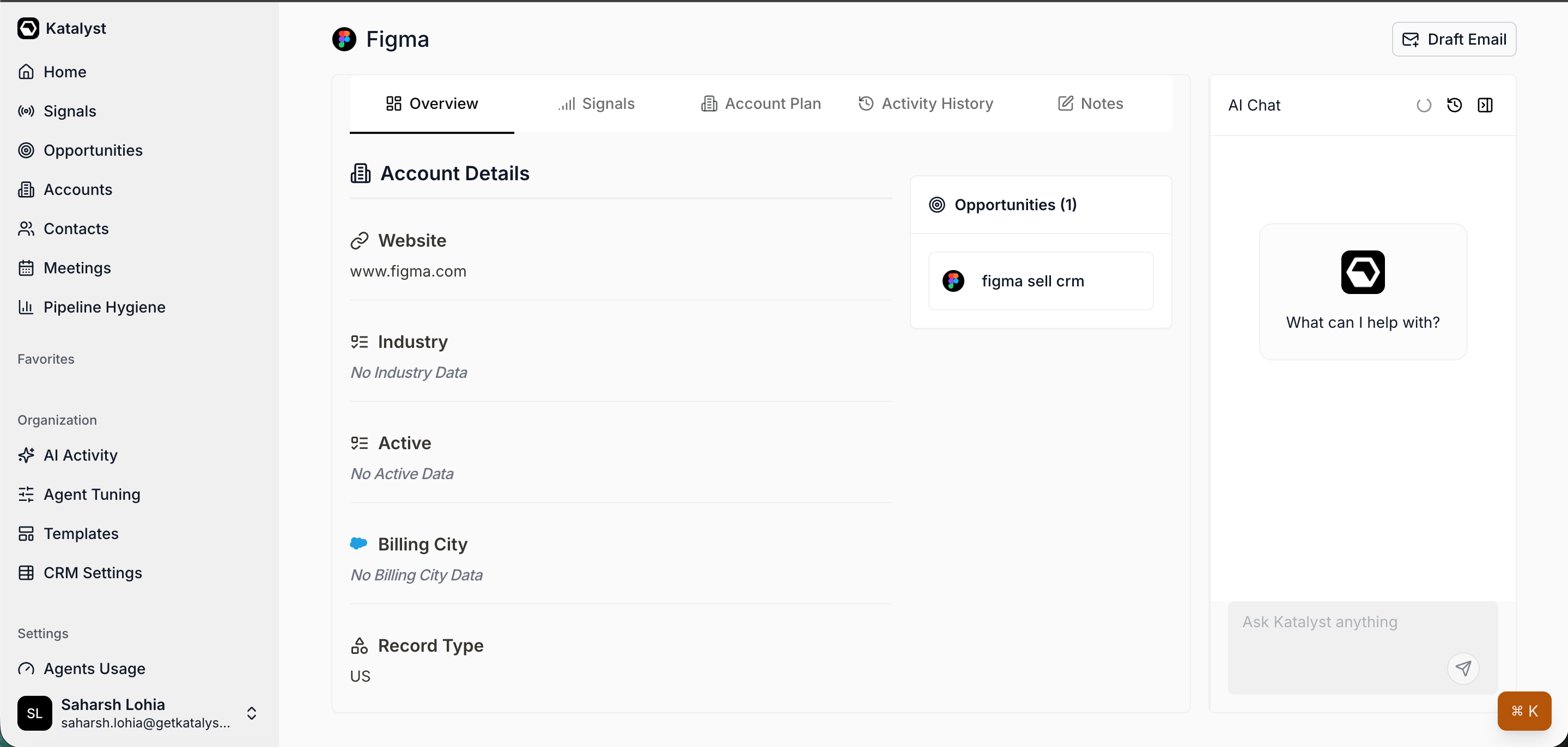
Account Detail Overview; the workspace the retro starts from, with Account Details, Key People, and the linked Opportunities pill in view.
- Walk Activity History from first touch to close. Click into the Activity History sub-tab. Set the date range wide enough to capture the deal’s full lifecycle (the deal age plus a buffer). Read the rows in chronological order: the first AI Suggestion that fired on the account, the first meeting the AI summarized, the field updates that progressed the deal, the emails that drafted, the post-meeting plans that fired or rejected. The narrative the AI saw is in the timeline. Note the moments where the AI nudged something the rep dismissed and the moments where it stayed quiet when something needed flagging.
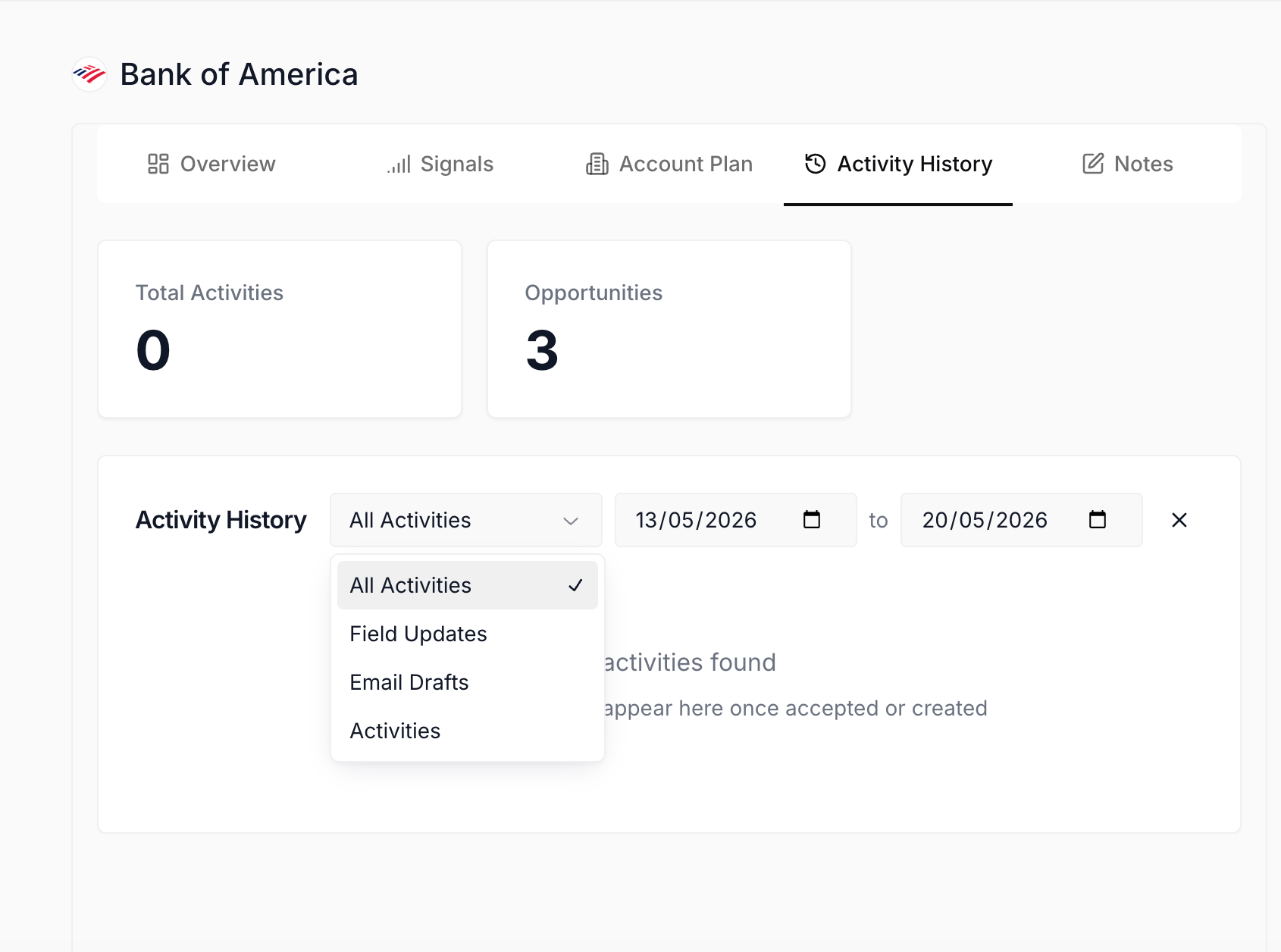
Activity History sub-tab; the chronological timeline of AI-performed actions, read end-to-end as the retro's primary evidence.
- Cross-reference the Signals sub-tab. Click into Signals. Set the Status filter to include Archived (so dismissed signals come back into view) and scan the full feed scoped to this account. The retro question: did any signal fire that should have triggered action? A hiring move in the buyer’s department, a leadership change, a competitor announcement, an earnings beat. Open the cards that landed in the deal window; read the AI relevance line and the summary. The deal was lost; some signal that fired three months ago is often the lesson.
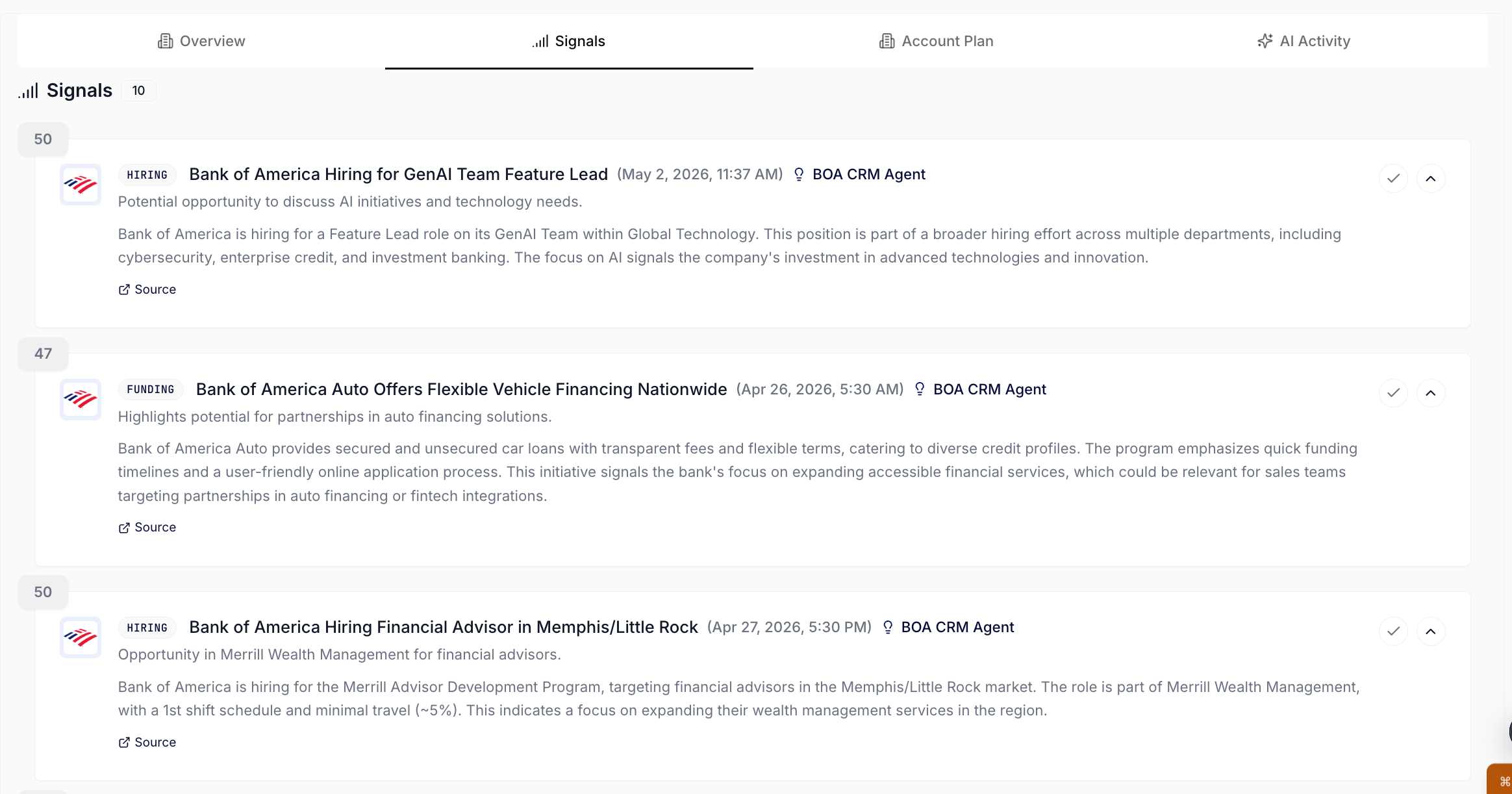
Signals sub-tab on the account; the retro reads every fired signal, including the ones archived during the deal, to find the missed read.
- Cross-reference Notes. Click into the Notes sub-tab. Scan the rep’s own running notes from the deal: the call summaries, the objection records, the in-between observations. The retro question: what was the rep flagging in real time that the AI didn’t catch in field updates or recommendations? A note about a procurement-process timeline that the AI never proposed updating Close Date for. A note about a champion’s departure that no signal flagged. The rep’s own thinking from the deal is the second evidence stream.
- Ask the per-record AI Chat what could have been done differently. Open the chat panel on the right rail. The thread already has the account’s full context loaded: Overview, Key People, linked Opportunities, Signals, Account Plan, Notes, the meetings on the account. Type “What could we have done differently on this deal? Walk through the timeline and name 2 or 3 moments where the read should have been different.” The chat reasons across every surface and emits a candid retro narrative.
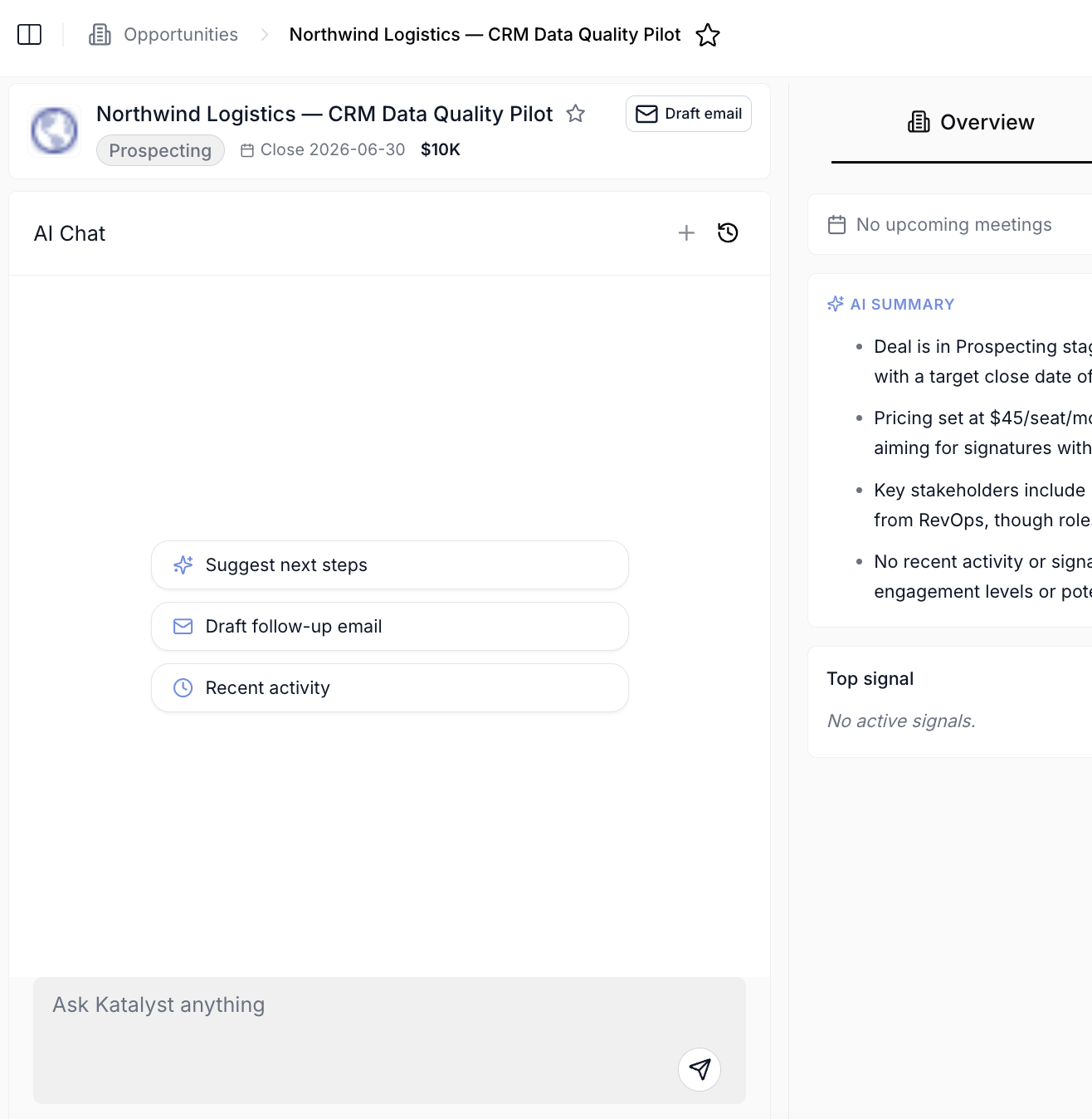
Per-record AI Chat scoped to the account; the chat reads the full account context and emits the retro narrative naming the moments to revisit.
- Identify 2-3 lessons and name the pattern. Two or three drill-ins from the timeline, the signals scan, and the chat are usually enough to see the lesson shape. Name each one in one sentence with the pattern explicit. “Mid-market healthcare procurement: the budget conversation must come up by call 2, not call 4.” “Champion-on-the-customer-side departures must trigger a re-qualify cycle within five business days.” “Mid-deal earnings misses must reset Stage rather than carry forward.” Three is the right number; one is a one-off, five is the rep overthinking.
- Save the lessons as a tagged Note. Click into the Notes sub-tab and open a new Note. Title it as the retro (“Retro: [deal name] close-lost”), put the 2-3 lessons in the body with the pattern tag at the top of each line (“Mid-market healthcare procurement: …”). The auto-save catches it per keystroke. Future searches against the pattern tag surface this Note when the next similar deal opens.
- Optionally stand up a custom Signal type for the missed pattern. If the retro surfaced a signal-shaped pattern that no current Signal type catches (a specific kind of leadership change, a specific filing event, a specific kind of hiring move), open Signals settings and consider drafting a custom Signal type aimed at the pattern. The next similar deal gets the earlier read.
Variations
If the rep has time for only a fast retro (5 minutes instead of 15), skip the AI Chat ask and the custom Signal type and just do steps 2 through 7: timeline scan, Signals scan, three lessons named, Note saved. The 80/20 of the value sits in the timeline plus the named Note. If the rep is doing a quarterly retro across multiple closed-lost deals rather than one, open each account in turn and run only steps 2 and 5 (timeline plus chat), then synthesize across all of them in one combined retro Note on the most representative account; this is more of a manager exercise than a per-deal AE one.Related
- Account detail - the workspace this play lives on.
- Activity History - the timeline the retro reads.
- Signals - the per-account feed cross-referenced for the missed read.
- Notes - where the retro lessons land as a tagged scratchpad.
- Tune your signal noise budget - the calibration play to run when the retro surfaces a noisy signal type that should have been muted.
- Audit AI activity this week - the Friday-afternoon weekly cousin to this per-deal retro.