

Log a call right after
A rep just finished a customer call and the next one is in 25 minutes. The play moves from the meeting workspace (or the linked account / opp) into Notes for the summary, into Actions for the follow-up, and into the per-record AI Chat for a recap email draft, all without leaving the record. About five minutes, end-to-end, and the call is fully captured before context fades.What to expect
- Timing. Roughly 5 minutes.
- Prerequisite. A customer call just ended (within the last 5 to 10 minutes). The meeting either had Katalyst Notetaker on it (in which case a transcript is processing) or the rep is logging manually from the linked account or opportunity.
- Outcome. A call summary saved as a Note on the record, a follow-up Action created against the same record, and optionally a recap email queued in Gmail or Outlook drafts.
Step-by-step
- Open the record the call was on. If the call had a Notetaker on it, open the Meeting workspace from the calendar or the Past meetings list and use the meeting detail as the trigger surface. If it was a manual call, open the account or opportunity directly from Favorites or the table.
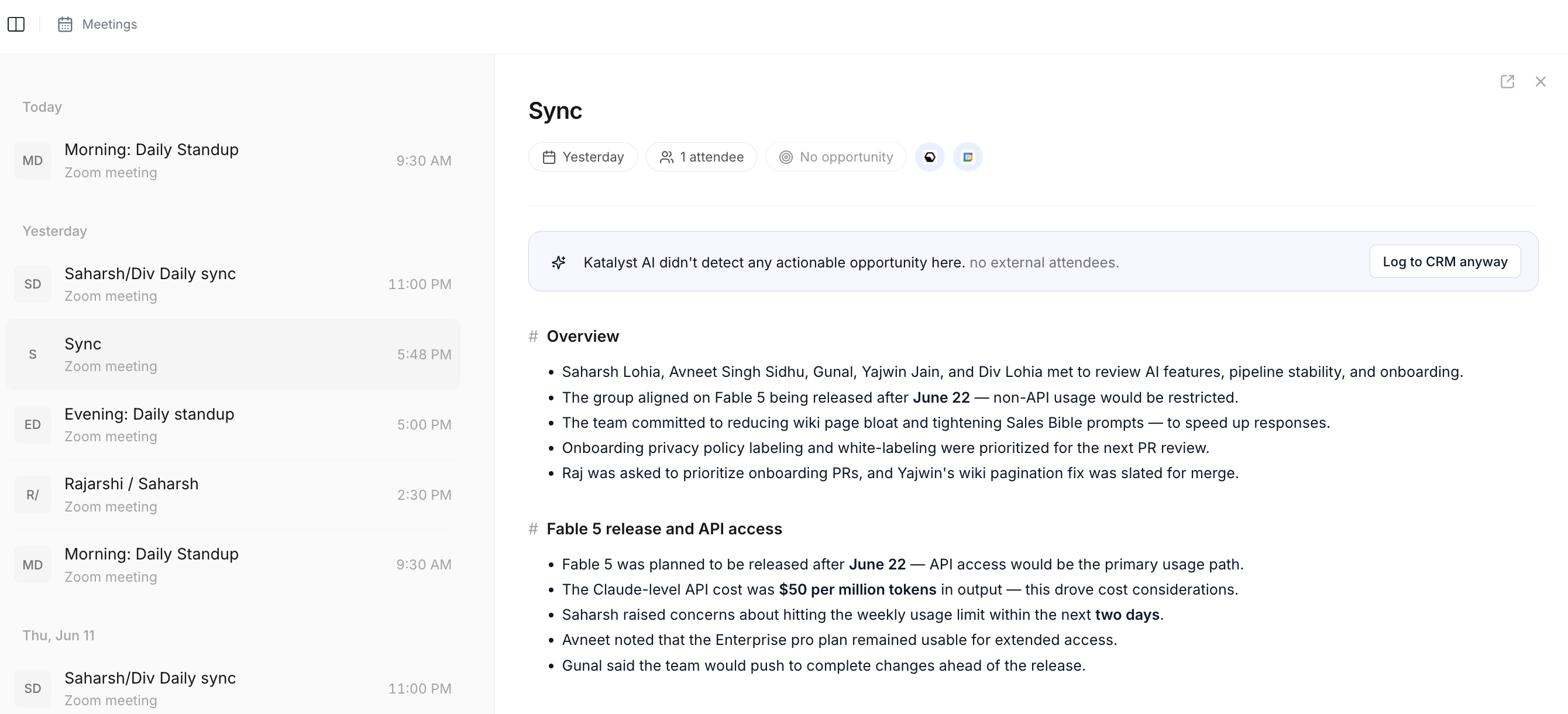
Meeting detail workspace; the post-call summary, transcript, and recommendations render here when a Notetaker was on the call.
- Open the Notes sub-tab on the record. From the account or opp detail page, click Notes. The composer is a blank scratchpad scoped to the record, with auto-save per keystroke. If the rep is on the meeting workspace, the same Note attaches via the linked-opp pill.
- Write the call summary. Three lines is enough: highlights (what the customer said matters), objections (what surfaced as a concern), next step (what the rep committed to). The auto-save runs as the rep types, so even if they get pulled into the next call mid-sentence the partial Note is captured.
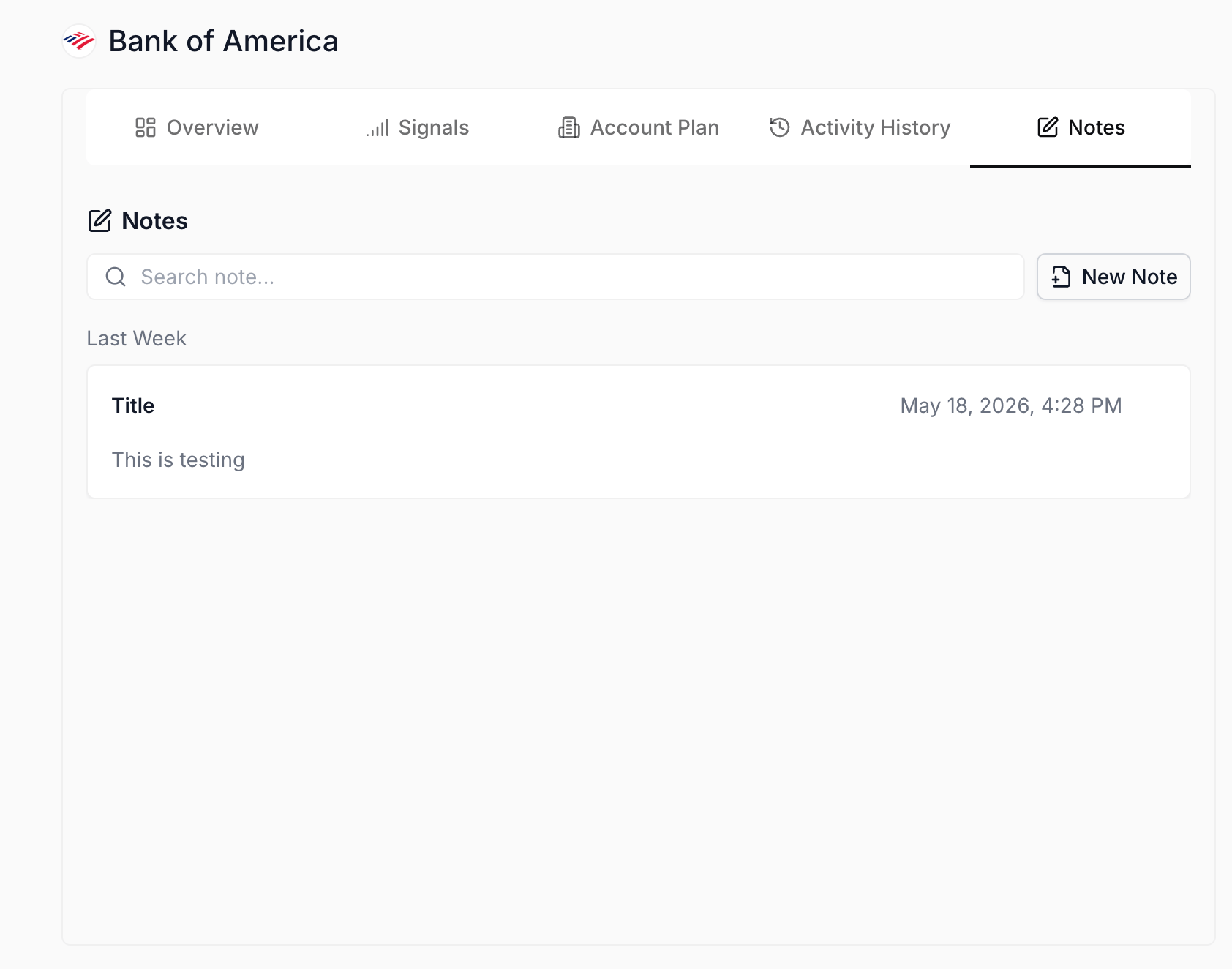
Notes sub-tab on the record; the per-keystroke auto-save captures the call summary the moment the rep starts typing.
- Create a follow-up Action. From the same record header (or from the Actions tab with the record pre-filtered), create a manual Action: the task subject is the next step the rep just wrote, the due date is whatever they committed to on the call. The Action lands in the rep’s queue alongside the AI-suggested ones.
- Fire the per-record AI Chat for the recap email. Open the chat panel on the same record. Type “Draft a recap email from the notes I just wrote, covering the security concern and the timeline we agreed to.” The chat reads the fresh Note (and the transcript if Notetaker was on the call) and emits a recap draft.
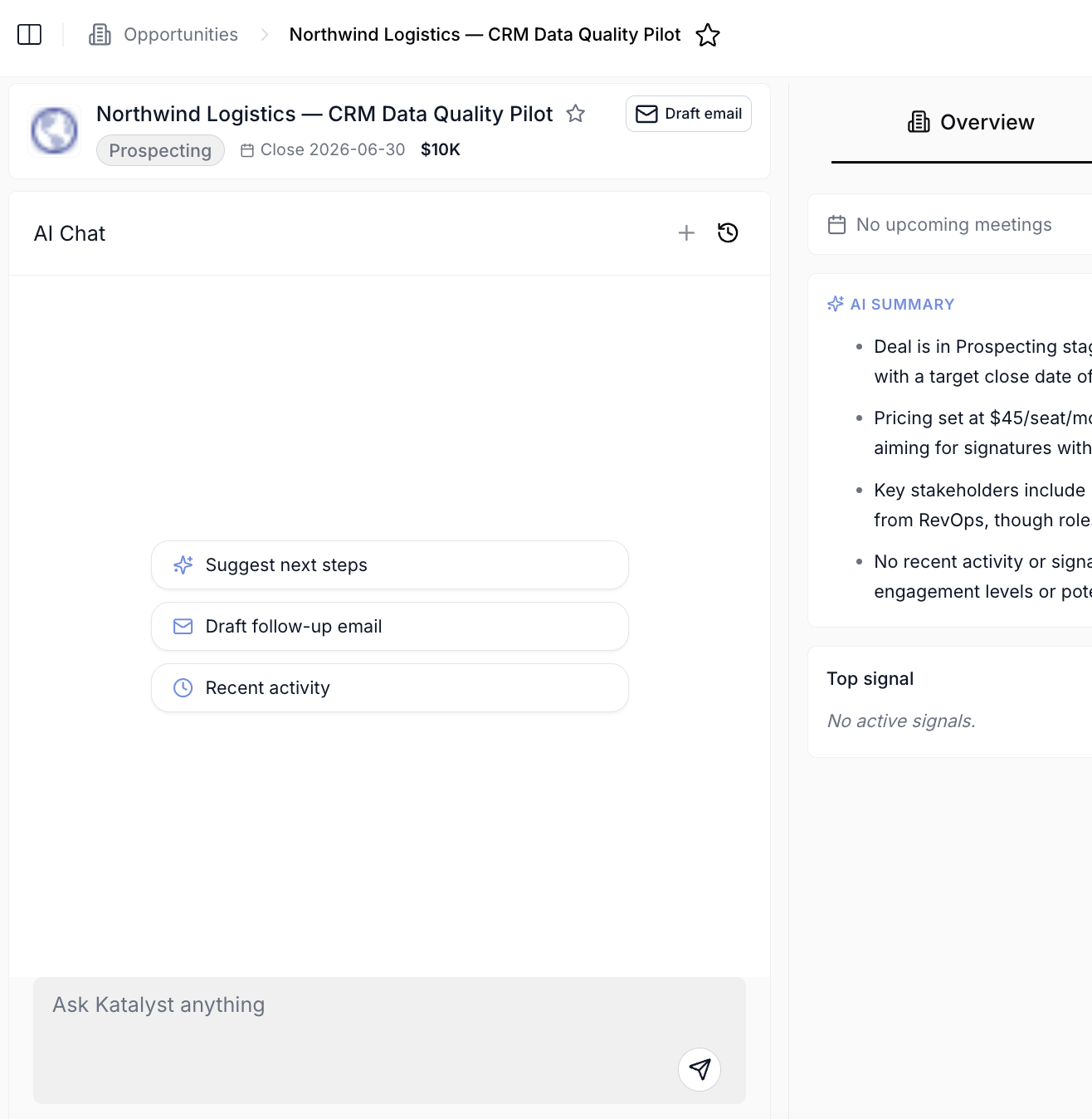
Per-record AI Chat scoped to the record; the chat reads the just-written Note and emits the recap draft.
- Review the Draft Email modal. The chat hands off into the Draft Email composer with the recap pre-filled. The To field carries the call attendees from the meeting (or from Key People on the record); the Subject and Body are editable. Tune the language if the rep wants a different tone.
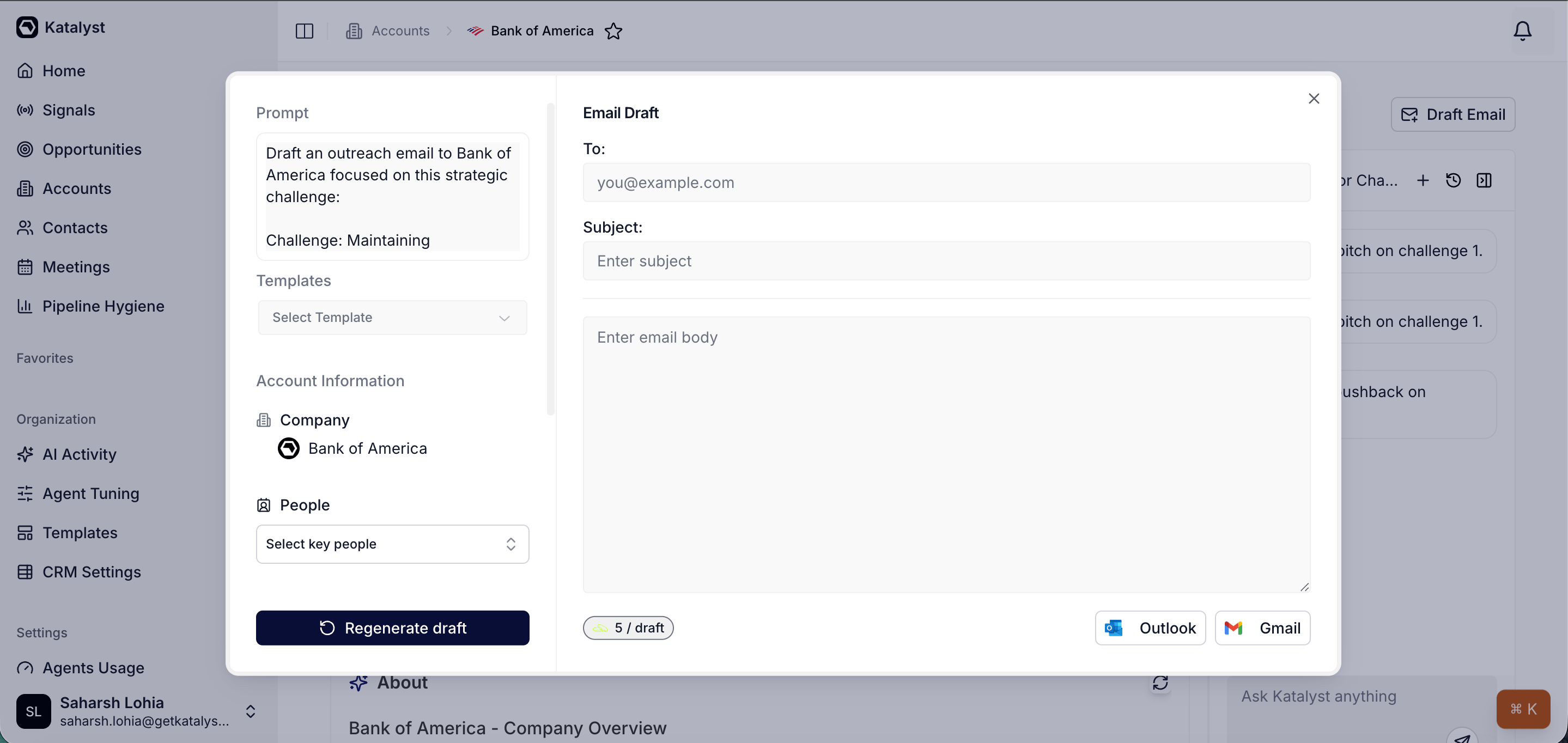
Draft Email modal pre-filled from the recap; left side prompt and key-people picker, right side editable To, Subject, and Body.
- Save to drafts (or send). Click Save to Gmail or Save to Outlook. The recap lands in the mail client’s drafts. The rep either sends right then (the call ended five minutes ago, the recap is timely) or holds for the next sit-down moment.
Variations
If the call was internal (a deal review with the rep’s manager, a handoff to a CS lead), skip the recap email and stop after the Note plus the follow-up Action; the email step is for customer-facing calls. If a Notetaker was on the call and the post-meeting recommendations queue has populated, walk those first (the AI has already proposed field updates, drafted recap emails, and scheduled follow-up tasks) and only fall back to the manual flow for the pieces the AI missed.Related
- Notes - the per-record scratchpad the call summary lands in.
- Actions - where the follow-up Action lives alongside the AI-suggested rows.
- Draft Email - the composer the recap email runs through.
- Recap after a customer meeting - the recorded-meeting cousin to this play; if the Katalyst notetaker captured the call, run that play instead and let the AI auto-generate the multi-step plan.
- Prep for a customer meeting - the pre-call sibling to this play.
- Send a personalized follow-up email - the play to run when the follow-up needs to land later, not in the five-minute window after the call.